Create an account
Sign up and get started within seconds. Choose between metric and imperial units, and select the free or premium account tier.
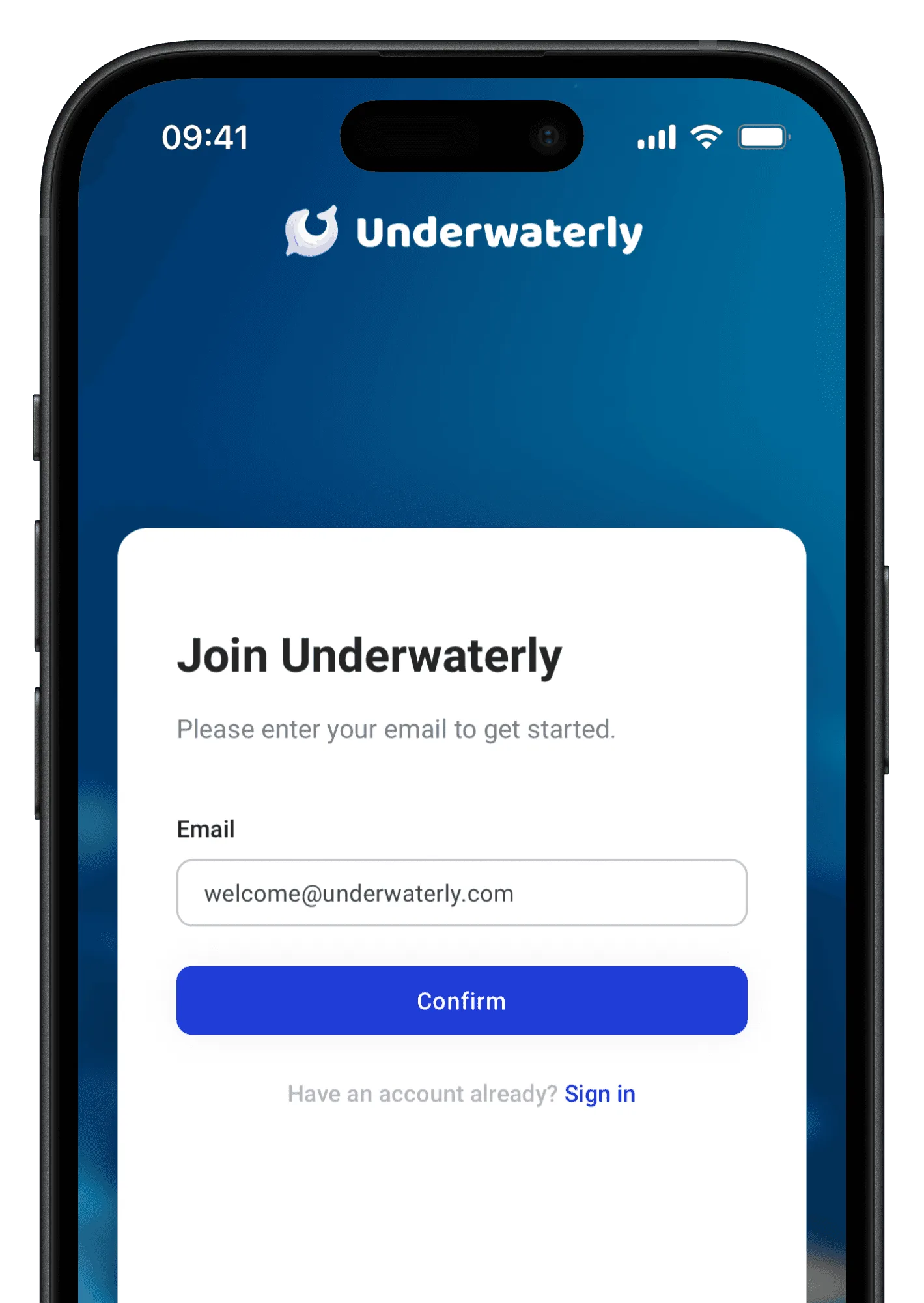


Three simple steps to set up your account and log the first dive.
Sign up and get started within seconds. Choose between metric and imperial units, and select the free or premium account tier.
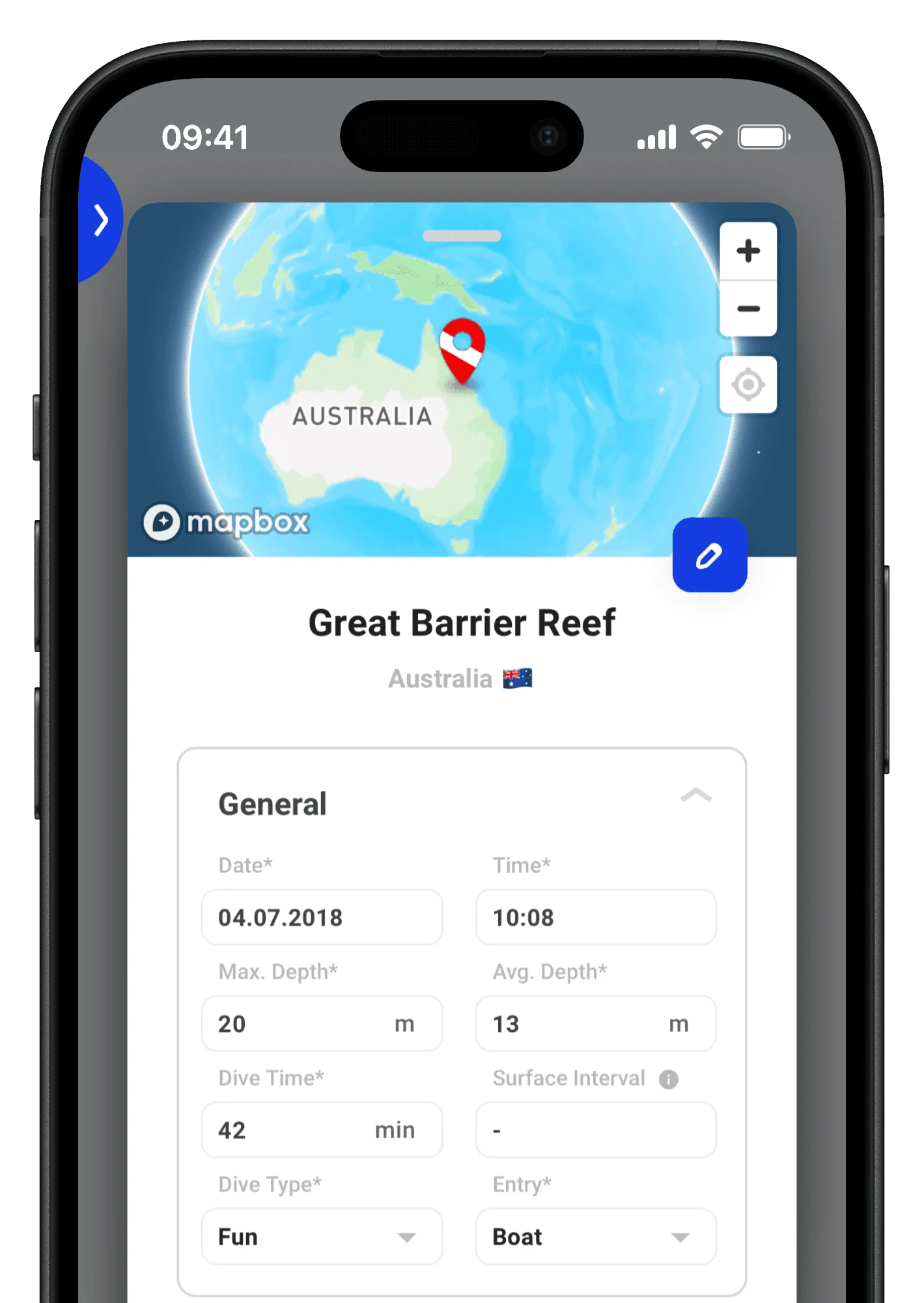
After your dive, log it on the “past dives” page. Some information like location and accurate weather data will even be autofilled for you.
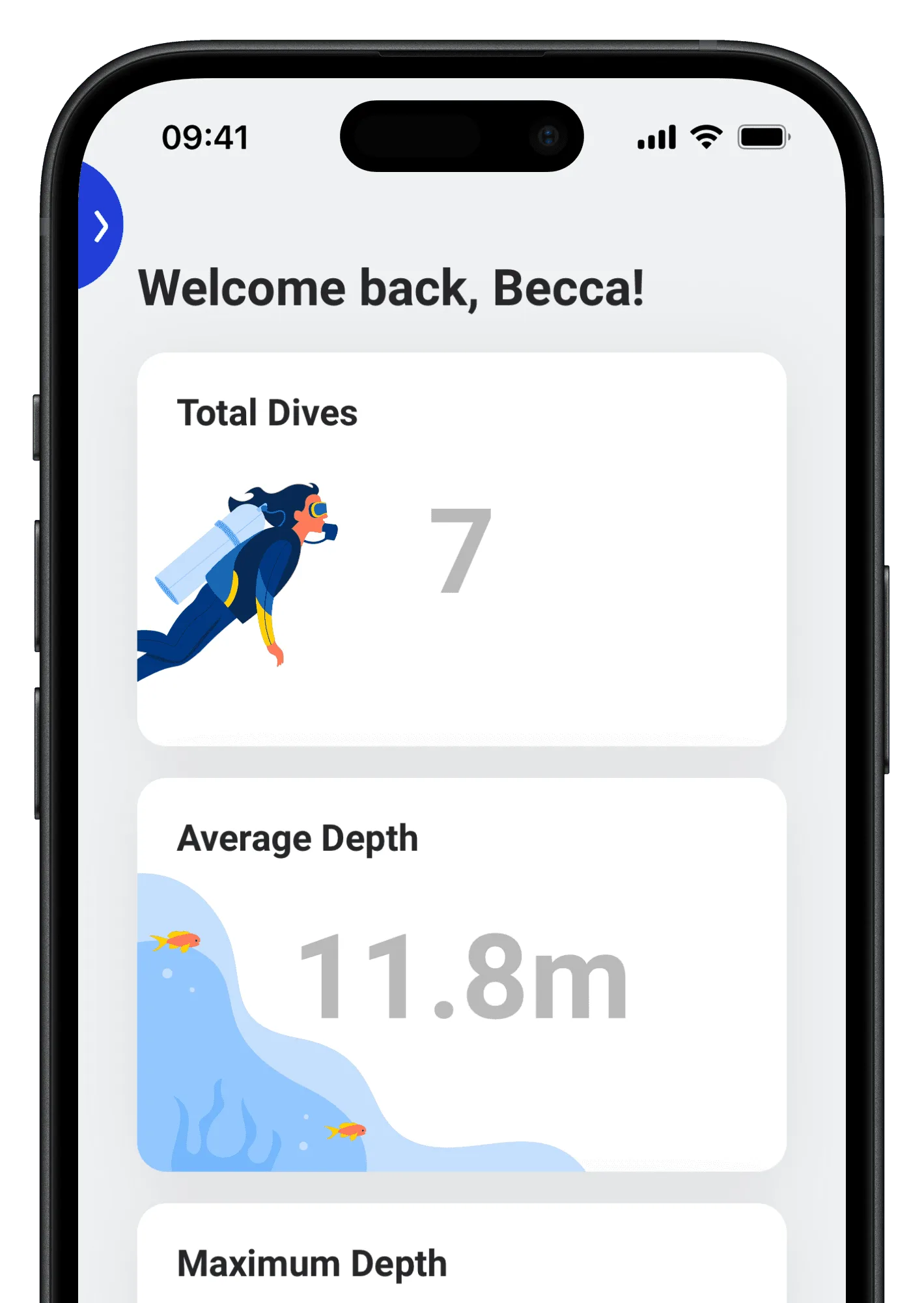
Have your all your dives and stats always with you, wherever you go. Say goodbye to forgetting or searching for paper logbooks ever again 😮💨.

Features
Explore Underwalterly's powerful features designed to help you log dives with ease and become an even better diver.
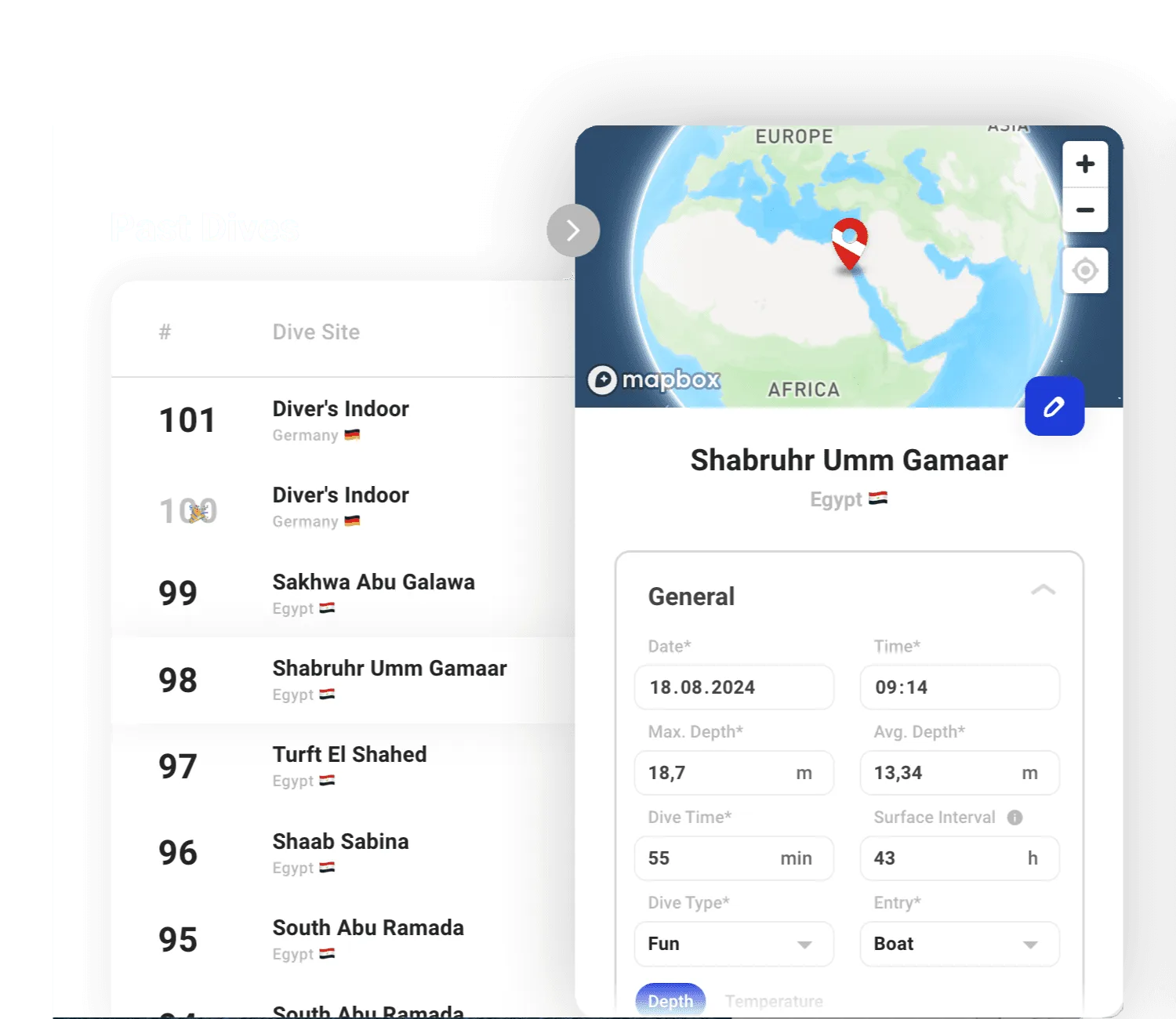


We want to make dive logging easy & fun. No complicated menus, just all important information nicely layed out.
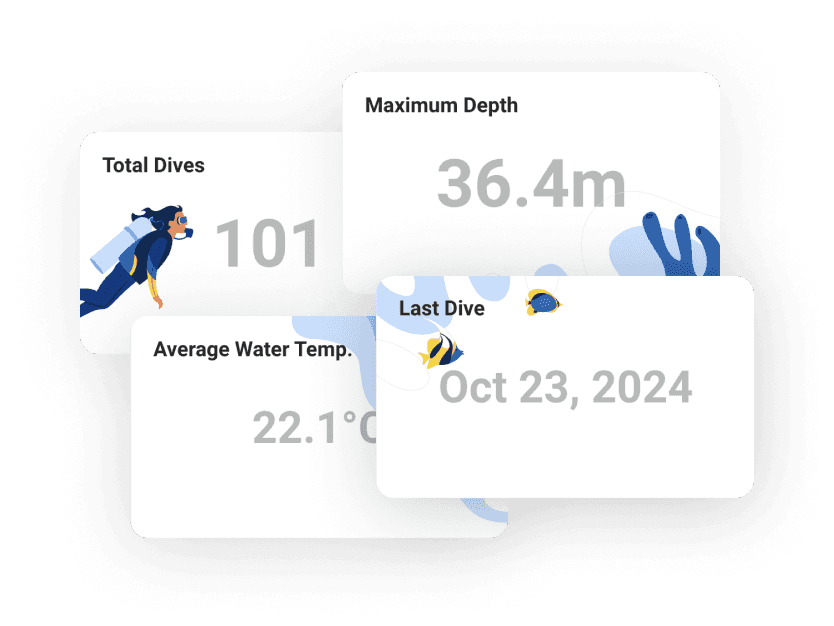

See your total number of dives, maximum depth, last dive, and more at a glance.
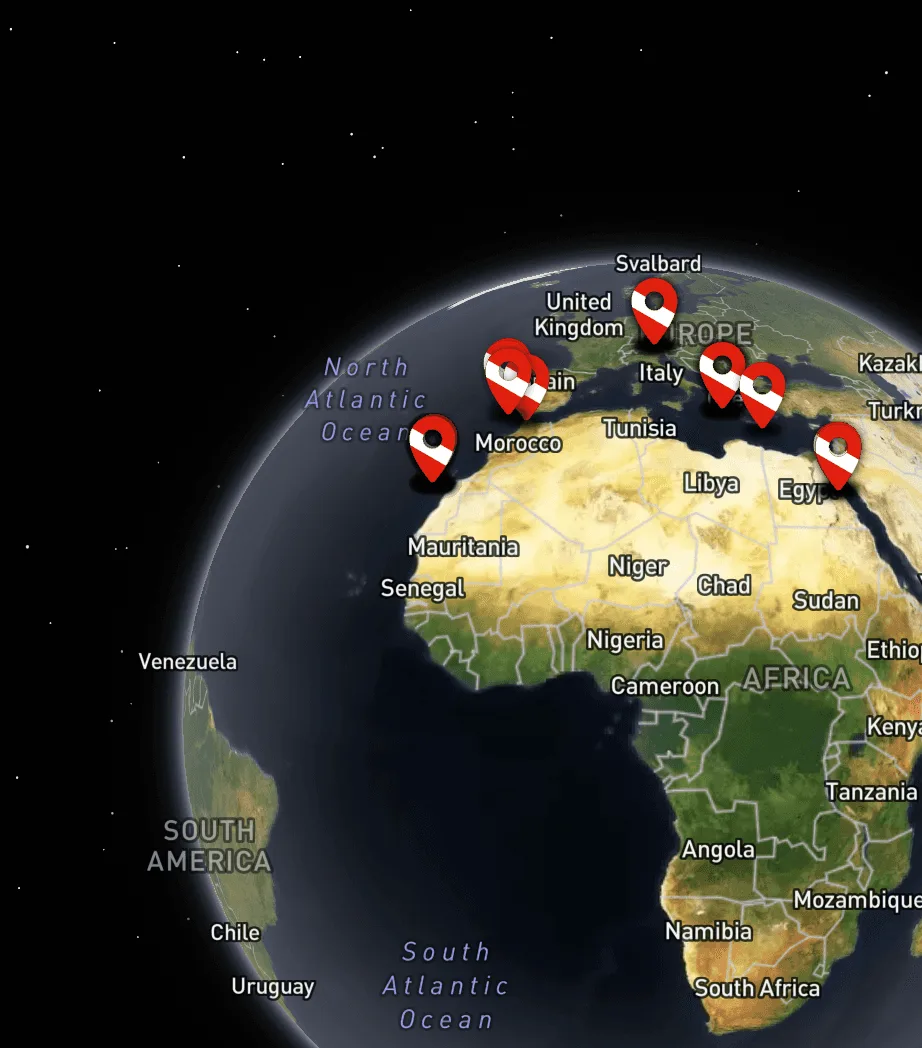

Explore the sites you have dived on a big world map.
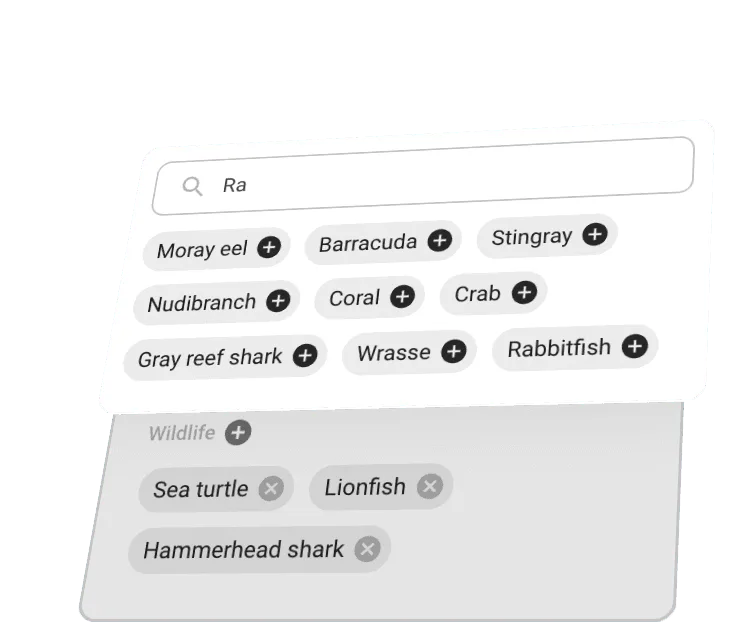

Record the amaaazing hammerhead you have witnessed or the new torch you used.
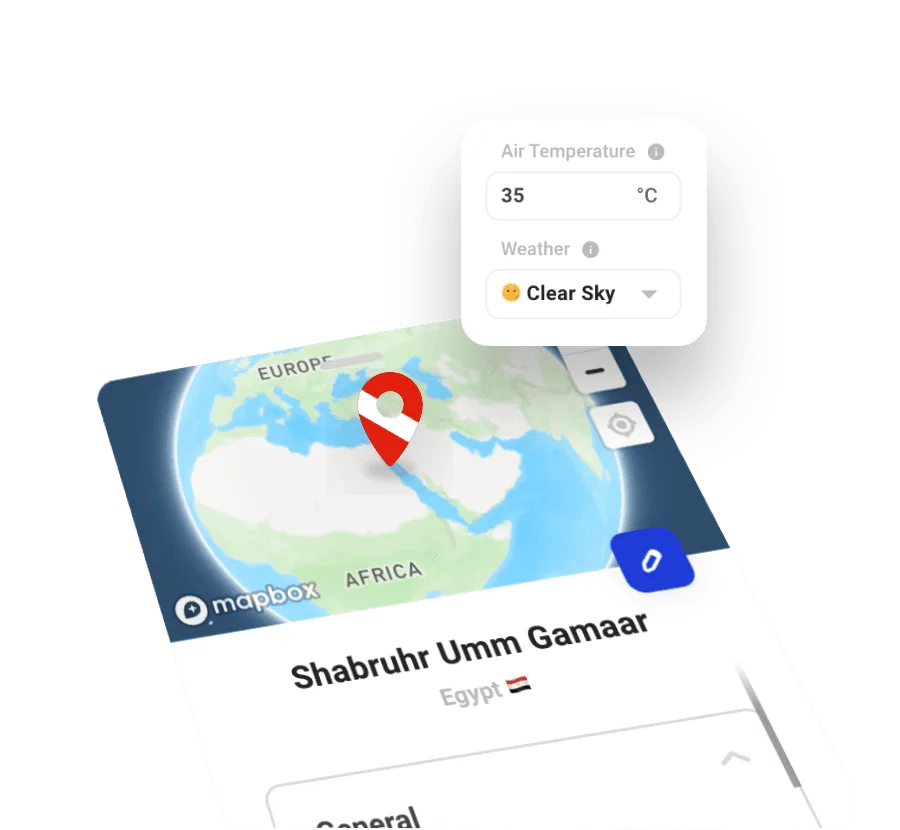

Let us do the heavy lifting to automatically determine dive site location and current weather.
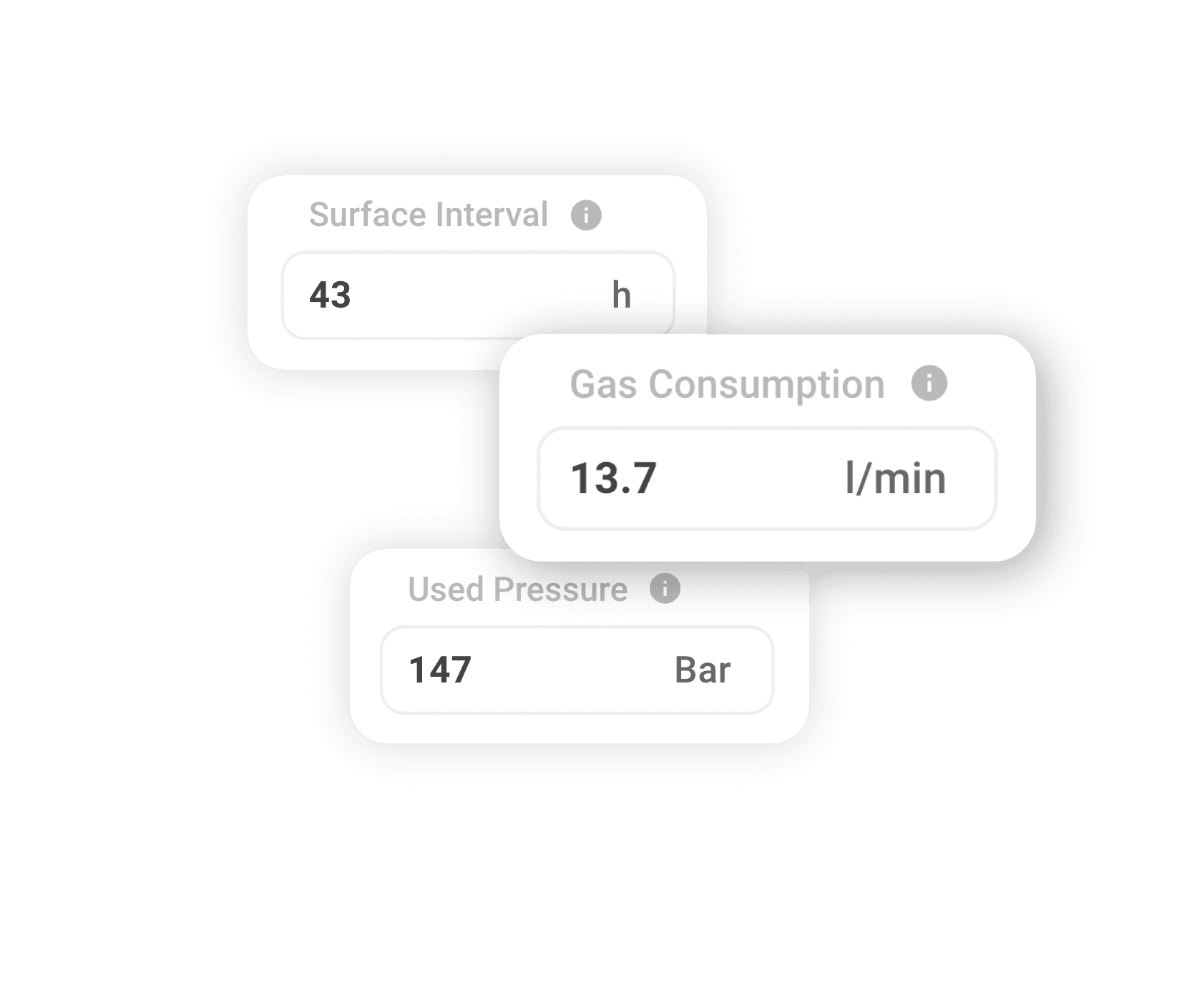

We automatically calculate surface intervals, used pressue and SAC rate for you.

Premium Features
Unlock even more additional features to make dive logging even faster and more fun.

Define custom attributes to be added alonside your dives.

Skip the manual work and import dives straight from your dive computer.


Upload and store up to 6 images for each dive.

Your support helps to make Underwaterly even better ❤️.

Multi Device Support
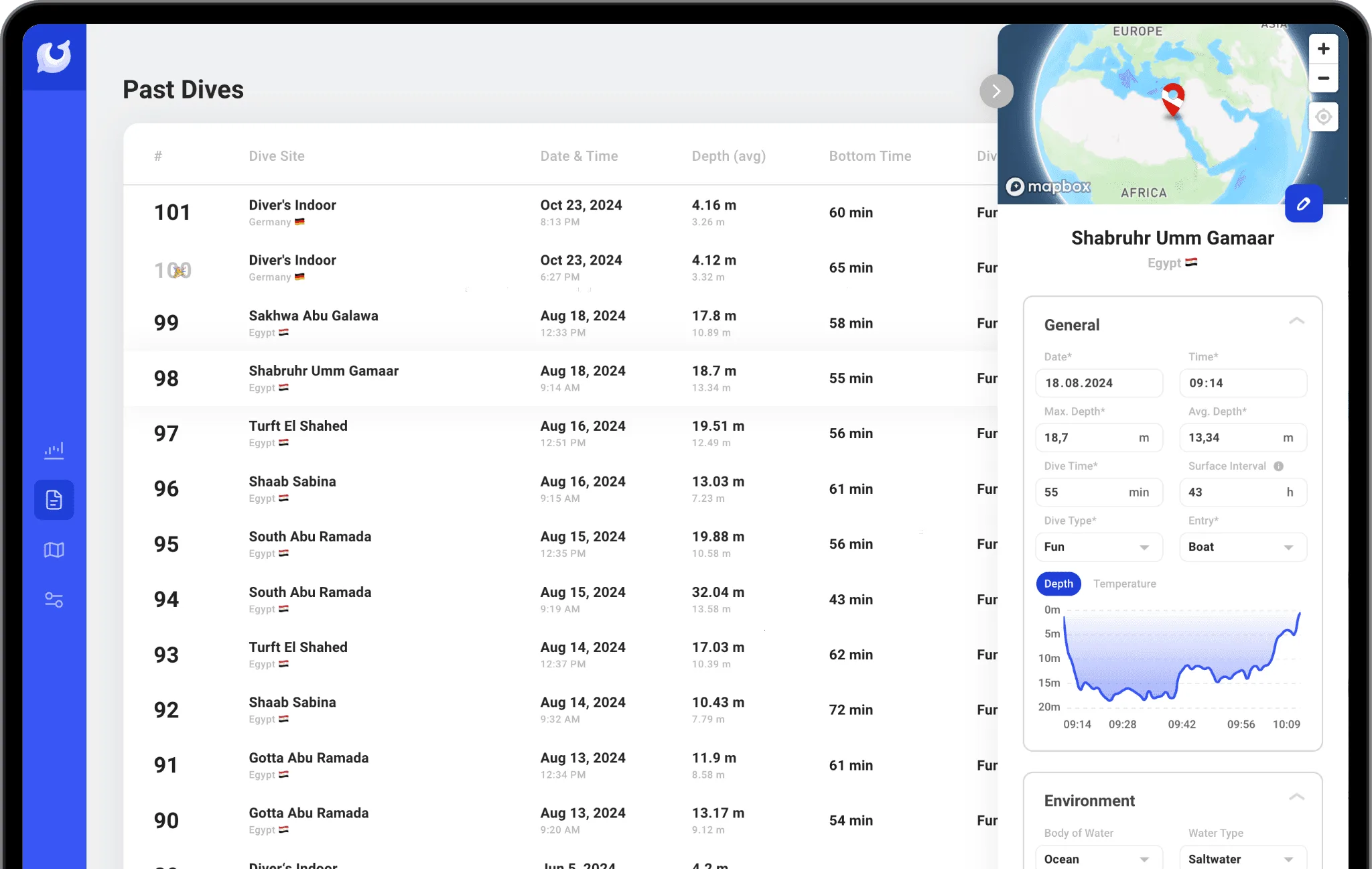
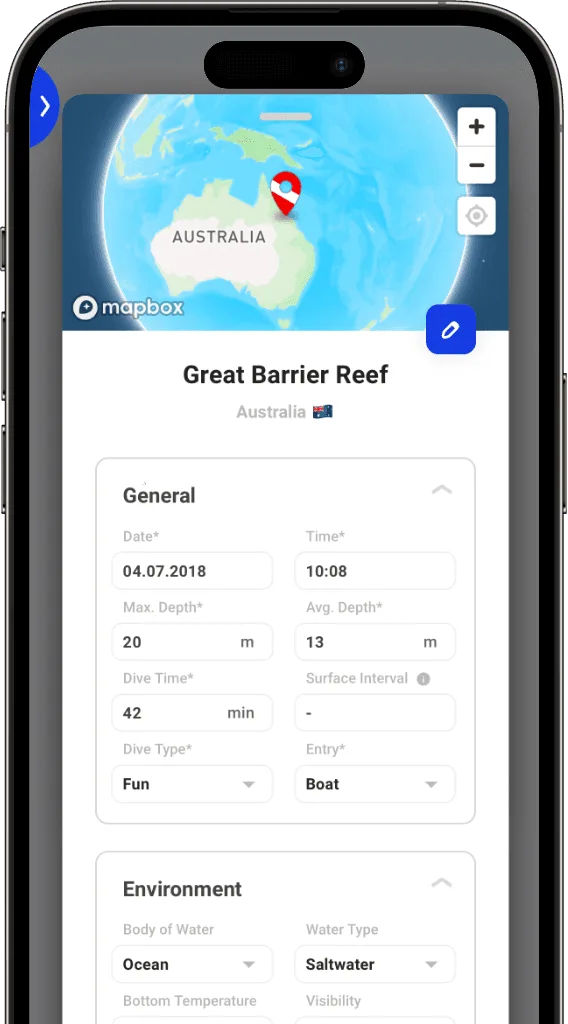
Experience the flexibility to have your dives with you anywhere. Whether you're at your at home, on the go, or on the dive boat, Underwaterly syncs across all your devices, ensuring a smooth and consistent workflow. Never forget your dive logbook anymore.


Pricing
Underwaterly can be used entirely for free with some advanced features as an optional upgrade.

0€
/per month
Forever.
What’s Included

Unlimited dive logs
Metric and imperial units
Automatic weather and location data
Record general information, environment, air, equipment & dive partners

Custom attributes
Photo upload
Dive computer import
Save 25.98€ on Yearly
2.99€
/per month
Support the Underwaterly team ❤️.
What’s Included
Unlimited dive logs
Metric and imperial units
Automatic weather and location data
Record general information, environment, air, equipment & dive partners
Custom attributes
Photo upload
Dive computer import

FAQ’s
Underwaterly is a scuba dive logging app designed to help scuba divers keep track of their past dives, no matter where they are or what device they are using.
It is designed to be beautiful, simple, and easy-to-use. Recording a dive, including the location, date, time, depth, duration, and notes or photos should be easy and effortless. Underwaterly is the perfect tool to help you stay organized and keep track of your diving adventures.
Underwaterly offers a variety of features to help scuba divers keep track of their dives and stay organized. Some of the key features include:
Overview of the number of dives, total dive time, and maximum depth, last dive, ...
Unlimited dive logs, filter by dive type and entry
Record general information, enviroment, breathing gas, equipment, dive partners & notes as well as images and custom attributes (premium subscription required)
Automatic location detection and weather information
Dive computer import (premium subscription required)
Map of all your dives so you can see where you've been
Support for metric and imperial units
Dive log export as .json
No, there is no limit to the number of dives you can log in Underwaterly. You can log as many dives as you want and keep track of all your diving adventures.
Deleting a dive entry is simple. Just locate the dive you want to delete and click the delete button next to it. Confirm the deletion, and the dive entry will be removed from your records.
Please note that this action is irreversible and the dive entry will be permanently deleted from your account.
As of now, Underwaterly is only available as a web app. However, we are working on developing native apps for iOS and Android, which will be available soon. In the meantime, you can access Underwaterly on your mobile device by visiting our website in your browser and pinning the site to the home screen.
To pin the site to the homescreen on iOS, tap the share button and then select 'Add to Home Screen'. On Android, tap the menu button and then select 'Add to Home Screen'.
At this point, Underwaterly needs an active internet connection to function. However, Underwaterly is designed to have minimal bandwith requirements, so that you can log your dives even if mobile coverage or wifi might be weak.
We might be adding offline functionality in the future if reqested by a number of users. Stay tuned for updates on this feature!
Yes, you can easily switch between metric and imperial units in Underwaterly. To change the units, go to 'Settings' -> 'Units' and select the units you want to use. The units will be converted throughout the app and will be used for all new dives you log.
The dive computer import feature allows you to import your dive data directly from your dive computer into Underwaterly. It works by draging and dropping a file exported from your dive computer into Underwaterly. This feature is available to Underwaterly Premium subscribers and makes dive logging even easier.
At the moment, Underwaterly is compatible with the following dive computers:
Suunto D5
Suunto EON STEEL BLACK
Suunto EON CORE
Suunto D4I NOVO
Suunto ZOOP NOVO
Suunto VYPER NOVO
Supported filetypes are:
.xml (Export via Suunto DM5 Desktop Application)
.fit (Export via Suunto Mobile App)
If you have a dive computer that is not on this list, please let us know and we will do our best to add support for it in the future.
To import a dive from your dive computer on the desktop, follow these steps:
Connect your dive computer to your computer using a USB cable
Open the Suunto DM5 desktop application
Select the dive you want to export and select 'File' -> 'Export' -> 'XML' -> 'Selected dive'
Open Underwaterly in your browser, create a new dive
Drag and drop the exported file onto the 'Import from Dive Computer' area
If you are using a mobile device, you can import a dive from your dive computer by following these steps:
Open the Suunto Mobile App and pair your dive computer with your phone via Bluetooth
Once the dive is synced to the app, select the dive you want to export, tap the three dots up top and select 'Export as FIT file'
Select a location to save the file to and click 'Save'
Open Underwaterly and create a new dive
Tap the 'Import from Dive Computer' area and select the exported file
Note: Not all file types contain the same information. While xml files contain all the information from the dive, fit files created by Suunto are missing the 'Breathing Gas' information. If you want to import all the information from your dive, we recommend importing your dive on the desktop.
Custom attributes are additional fields that you can add to your dive logs to keep track of specific information that is important to you. For example, you could add custom attributes for depth or duration of your safety stop, condition of the coral reef or snacks you had after the dive 😉.
Custom attributes are available to Underwaterly Premium subscribers and can be added to your dives when you create or edit them. Before a new custom attribute can be added, it needs to be created in the 'Settings' -> 'Custom Attributes' section.
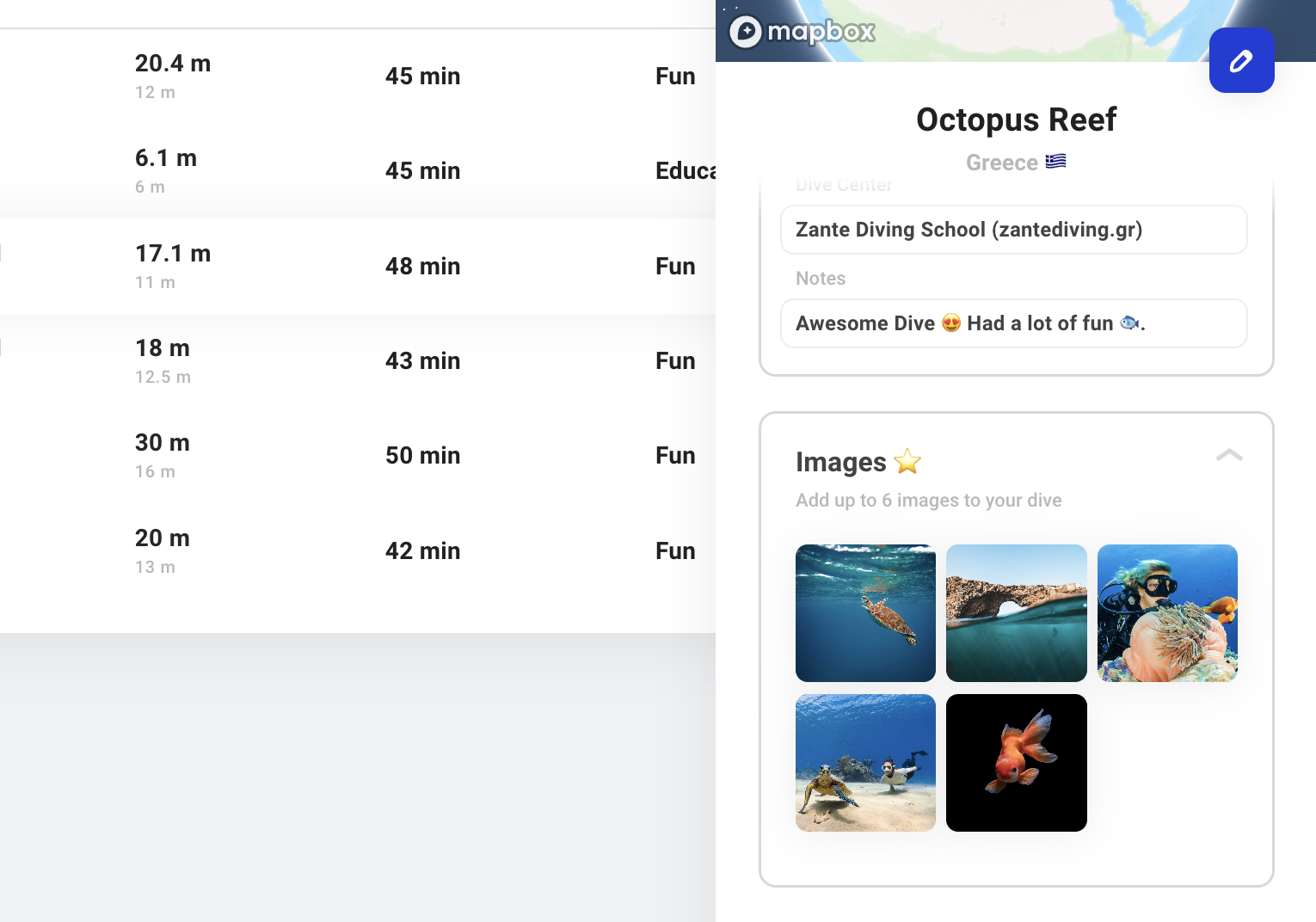
Subscribers of Underwaterly Premium can add up to 6 images to each dive. Images can be added when creating a new dive or editing an existing one. To add an image, click on the '+' button in the 'Images' section and select the image you want to upload from your device. To remove an image, hover over the image and click on the '-' button in the top right corner of the image.
The Underwaterly Premium subscription offers additional features and functionality such as custom attributes, image upload and dive computer import. As a bonus you support the development and upkeep of our systems ❤️.
To upgrade to Underwaterly Premium, follow these steps:
Log in to your Underwaterly account
Go to 'Account' -> 'Payment'
Click on 'Upgrade to Premium'
You will be presented with a choie of monthly or yearly subscription plans. Select the plan that suits you best and click 'Subscribe'
Enter your payment information and click 'Subscribe with obligation to pay'
You will be redirected back to Underwaterly and your account will be upgraded to Premium. You can now enjoy all the additional features and functionality that Underwaterly Premium has to offer.
To change your payment information, follow these steps:
Log in to your Underwaterly account
Go to 'Account' -> 'Payment'
Click on 'Manage Subscription'
Enter your account email address to recieve a link to the subscription management page
Click the link in the email to access the subscription management page from where you can cancel your subscription
Click 'Add payment method' to add a new payment method
Your payment information will be updated and your subscription will continue as normal.
Your Underwaterly Premium subscription will renew automatically at the end of your billing cycle. The renewal date is based on the date you first subscribed to Underwaterly Premium.
If you want to cancel your subscription, you can do so at any time before the renewal date. Your subscription will remain active until the end of the billing cycle, at which point it will be downgraded to the free tier.
We are sad to see you go 😢. In case there is anything we can do, feel free to reach out at hello@underwaterly.com.
If you still want to proceed with the cancellation of Underwaterly Premium, follow these steps:
Log in to your Underwaterly account
Go to 'Account' -> 'Payment'
Click on 'Manage Subscription'
Enter your account email address to recieve a link to the subscription management page
Click the link in the email to access the subscription management page from where you can cancel your subscription
Click 'Cancel plan' and confirm your decision
You will be redirected back to Underwaterly and your account will be downgraded to the free tier. Any custom attributes or images added to your dives will not be visible anymore, however they will be saved for 2 years in case you decide to upgrade again in the future. Dives imported from a dive computer will be kept, but you will only be able to add new dives manually.
We take the security and privacy of your data very seriously. Underwaterly uses industry-standard encryption to protect your data and we do not share your data with third parties. Your data is stored securely on our servers located in Frankfurt, Germany and is only accessible to you when you log in to your account.
If you have any concerns about the security of your data, please don't hesitate to contact us.
We are sad to see you go 😢. If you are sure you want to delete your account, follow these steps:
Log in to your Underwaterly account
Go to 'Account' -> 'Account Deletion'
Click 'Delete Account' and confirm your decision
Please note that this action is irreversible and takes effect immediately. All your data will be lost. If you want to keep your data, you can export your dives before deleting your account.
To export your dives, follow these steps:
Log in to your Underwaterly account
Go to 'Account' -> 'GDPR' and click 'Export My Data'
You will receive an email within 24h containing a zip file with all your personal data and dives in .json format
Can't find the answer you're looking for? Feel free to reach out to our friendly team at support@underwaterly.com.